
Symptoms
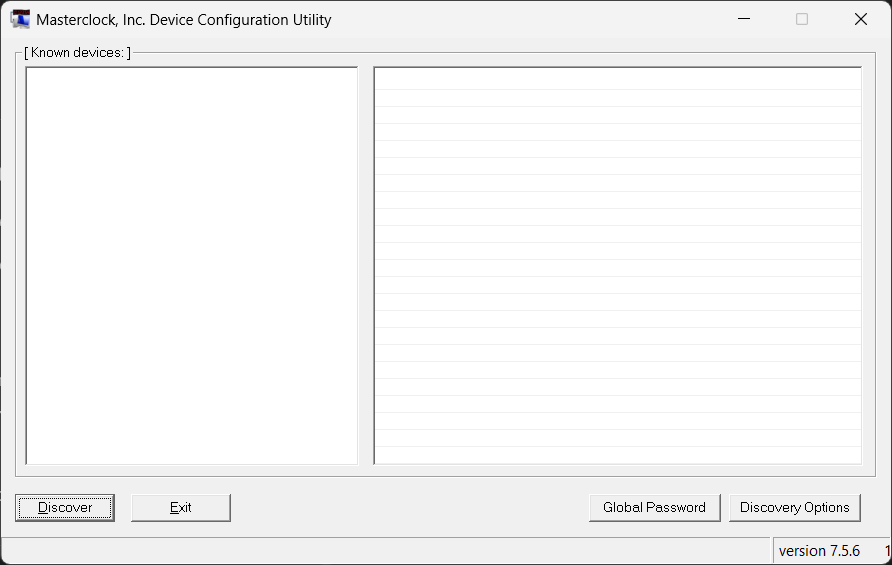
- The device does not appear in WinDiscovery
- WinDiscovery does not find any devices on the network
Causes
- PC and device are on different subnets or VLANs, and discovery traffic does not cross the boundary
- Firewall rules on the PC or network block discovery traffic
- The device is still booting or is renegotiating network settings
- The device is using fallback addressing due to missing DHCP
Troubleshooting steps
- Confirm the PC and device are on the same network segment. In most environments, discovery works best when both are on the same subnet.
- Temporarily allow WinDiscovery through host firewalls. If discovery works after adding an approved application exception, have IT retain the required rules.
- Allow time for boot and network initialization. If the device was just powered on or moved to a new network, wait for it to complete network initialization.
- Check for fallback addressing. If the device shows a 169.254.x.x address, see Understanding Fallback IP Addresses (169.254.x.x).
- Learn how discovery works. See How WinDiscovery Discovers Devices on the Network.
Related articles
Article ID: KB-WINDISC-007
KB Version: